
How Long to Charge a Car Battery With a Charger?
See model-specific 5 A and 10 A charging estimates, calculate missing battery capacity, and distinguish a full charge from being ready to start the engine.
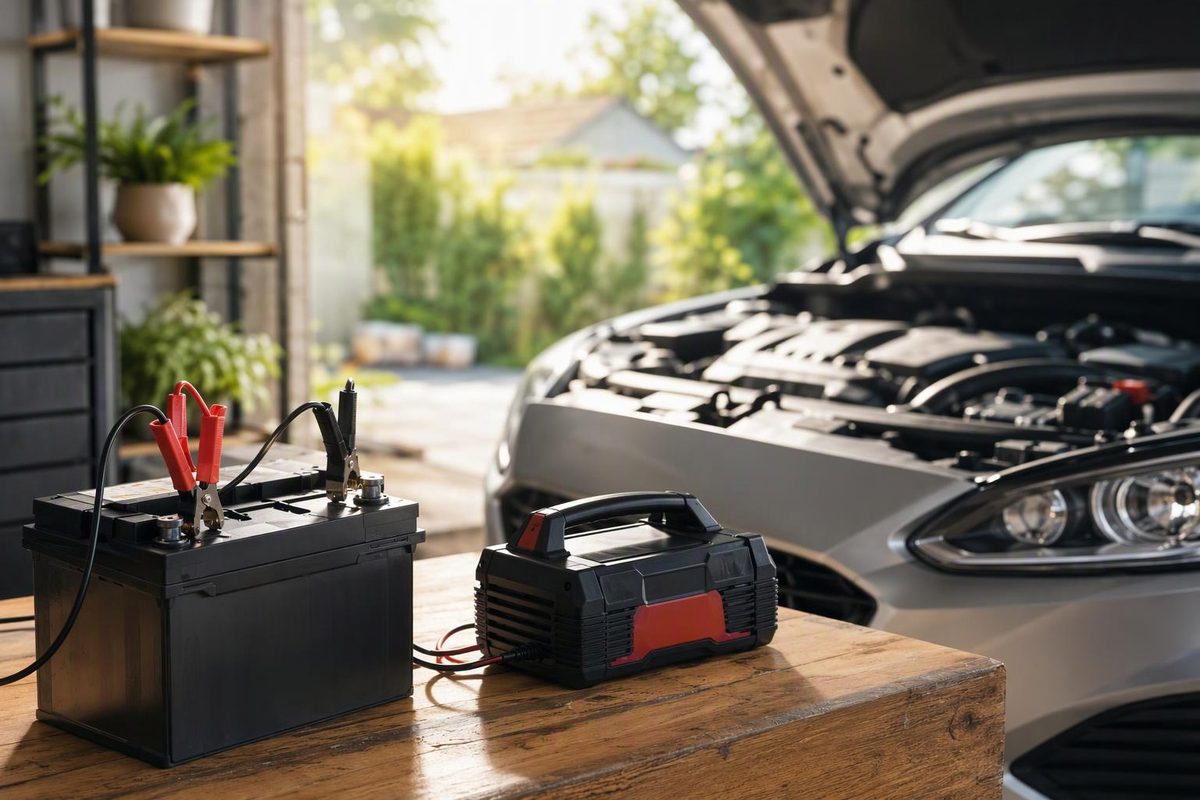
For an 80 Ah car battery at roughly half charge, allow about 12 hours with a 5 A charger or 6 hours with a 10 A charger. Those are estimates for NOCO’s GENIUS5 and GENIUS10, not guaranteed finishing times for every charger. NOCO’s charging-time guidance uses a starting point of 50% depth of discharge. A smaller battery or a light top-up takes less time; a deeply discharged battery takes longer.
This guidance concerns 12 V lead-acid vehicle batteries, including flooded, EFB and AGM—not an EV’s high-voltage traction battery. The useful answer is a planning estimate followed by confirmation from the charger: elapsed time alone does not establish that the battery is fully charged.
Enter capacity, starting charge and charging current; compare the arithmetic estimate with the model-specific times below.
Constant-Current Time Estimate
~6 hours at constant current
~30 Ah to replace.
Not a full-charge deadline. Current decreases during absorption; confirm completion using the charger’s manual and full-charge indicator.
NOCO Full-Charge Reference Times
Starting at 50% charge; these estimates apply to the named models, not every charger with the same amperage.
| Capacity | GENIUS5 5 A | GENIUS10 10 A |
|---|---|---|
| 40 Ah | ~6 hours | ~3 hours |
| 80 Ah | ~12 hours | ~6 hours |
| 120 Ah | ~18 hours | ~9 hours |
GENIUS2, 2 A: ~15 hours for a half-discharged 40 Ah battery. Check battery compatibility and permitted charging rate before choosing a setting.
Sources: NOCO GENIUS charging-time guidance; Victron charging-stage guidance. Calculation: missing Ah ÷ selected A, without a finishing-stage allowance.
A Half-Charged Battery Can Take 3–18 Hours on These Models
The following manufacturer estimates apply to NOCO GENIUS5 and GENIUS10 chargers, starting with a battery at 50% charge and charging it fully. They are not universal ratings for all 5 A and 10 A chargers. Other models may use different finishing stages.
| Battery Capacity | GENIUS5, 5 A | GENIUS10, 10 A |
|---|---|---|
| 40 Ah | About 6 hours | About 3 hours |
| 80 Ah | About 12 hours | About 6 hours |
| 120 Ah | About 18 hours | About 9 hours |
Source: NOCO’s charging-time table linked above. Battery condition and temperature can change the result.
Within these examples, doubling the charger’s current halves the estimated charging time. That makes the table useful for comparing these two models, provided the battery is compatible with the selected charger and charging program. It does not establish that every charger delivers its rated current continuously until charging finishes.
A low-output charger can need considerably longer. NOCO estimates 15 hours for a half-discharged 40 Ah battery with its 2 A GENIUS2. That is a model-specific recharge estimate, not a promise that a small maintainer can recharge any car battery within the same period. Check the charger’s supported battery-capacity range before using it to recover a large battery.
The starting condition matters as much as the label on the charger. The table describes a half-charged battery, not one that is nearly full or deeply discharged. If you do not know the starting charge, use the table as a reference case rather than treating its hours as your battery’s deadline.
Do not select a higher current solely to shorten the wait. Confirm the battery manufacturer’s permitted charging rate, then choose the correct voltage and battery-type program. A time estimate cannot tell you whether a setting is safe for your battery. Our 12 V lead-acid charger selection guide explains those compatibility checks.
Calculate Missing Capacity, Not Just Battery Size
A charging estimate needs the battery’s capacity in amp-hours, its approximate starting charge level and the current selected on the charger. Each describes a different part of the problem: how much the battery stores, how much needs replacing and how quickly the charger can initially supply it.
Use the battery label or manufacturer specification for capacity in amp-hours, written Ah. Do not substitute CCA. CCA describes cold starting-current capability, not stored capacity, so it is not the input for this calculation. If the label shows only CCA, look up the battery’s Ah specification rather than entering the CCA number. Interstate explains what CCA measures.
For starting charge, use an estimate of the battery’s state of charge—not simply whether the engine starts. A battery that starts the engine is not necessarily fully charged, and the word “dead” does not specify how much capacity is missing. Our car battery multimeter test guide can help you establish a starting estimate. If the charge level remains unknown, the calculator cannot provide a defensible time for your battery.
For current, enter the selected charging setting in amps, written A. Do not enter a separate engine-start or boost rating. The calculation concerns replenishing stored capacity, not the charger’s ability to assist a brief starting attempt. If the selected charging current is unknown, check the charger’s controls and manual before using the estimate.
Missing capacity in Ah equals battery capacity multiplied by the fraction discharged; dividing that missing capacity by charging current in A gives hours if current stayed constant.
For example, a 60 Ah battery at 50% charge is missing approximately 30 Ah. At a constant 5 A, replacing that amount would take 30 ÷ 5 = 6 hours. This is an idealized calculation, not a full-charge deadline. It accounts for the stated amount of missing capacity at the stated current; it does not reproduce the charger’s complete charging program.
The calculator therefore keeps the arithmetic result separate from the manufacturer examples. It does not add a universal finishing allowance, because the supplied evidence does not establish one for every battery and charger. A blank input means the estimate is unknown, not zero. Entering 100% starting charge gives no calculated capacity to replace, but that input is your assumption—not a measurement or confirmation from the charger.
Full Charging Takes Longer Than Constant-Current Arithmetic
Lead-acid charging slows near the end. During the absorption stage, voltage is held at its target while current decreases. Dividing missing amp-hours by the charger’s rated amps assumes that current does not fall, so it cannot describe that finishing stage accurately.
Victron’s manual illustrates the difference with a fully discharged 100 Ah battery on a 10 A charger. Its example takes approximately 16 hours: 8 hours of bulk charging plus 8 hours of absorption. It is not simply the result of dividing 100 by 10. Victron’s charging algorithm and time estimates describe the example and the charging stages.
Keep that example within its scope. It explains why a full charge can take longer than simple arithmetic, but it does not establish an eight-hour absorption stage for every car battery or charger. Nor should its total be used to replace NOCO’s estimates for different models and starting conditions.
The difference is also visible in the half-charge examples. A half-charged 80 Ah battery has approximately 40 Ah to replace, yet NOCO’s full-charge estimate for its 5 A model is about 12 hours. The constant-current calculation covers only the replacement arithmetic; the manufacturer’s table addresses the charging process for that model.
Use the arithmetic result to understand the scale of the task. Use a relevant manufacturer estimate to plan the session when one is available. Use the charger’s status indication and manual to decide whether charging has actually finished. These are separate checks, not interchangeable ways of declaring the battery full.
The Charger’s Full-Charge Signal Decides When to Stop
Use the charger’s full-charge indication, interpreted through its manual, rather than elapsed time alone. Reaching an estimated number of hours does not override a display that still shows charging, an error or a battery fault.
“Ready to start” and “fully charged” may be different states. The CTEK MXS 5.0 North American manual identifies Step 4 as ready to start the engine and Step 7 as fully charged. That distinction belongs to this model’s program; it should not be transferred to another charger’s numbered stages. CTEK’s North American user manual explains the indicators.
If your immediate need is to start the vehicle, consult the manual’s description of the relevant indication. If your aim is to complete the charge, wait for the model’s full-charge state rather than stopping because the engine would now start. The two outcomes answer different needs.
An overnight session may fit a charging estimate, but permission to leave the charger connected depends on its instructions. Automatic maintenance capability is not permission to leave it unattended. NOCO’s GENIUS5 safety instructions say not to leave it unattended while in use. CTEK’s manual requires Step 7 before leaving its charger unattended and connected for long periods.
Follow the instructions for your exact model rather than applying one manufacturer’s unattended-use rule to another charger. The NOCO GENIUS5 safety instructions and the CTEK manual above demonstrate why the model matters. A charger’s maintenance feature, its completion indicator and its supervision requirements are separate parts of its instructions.
A Long Session May Be a Charging Fault, Not a Need for More Hours
If charging takes much longer than expected, first check whether the charger is actually charging. Standby, an error indication or an interrupted program is not equivalent to a slow but successful recharge. Adding more time to a session that has not begun will not make the original estimate useful.
NOCO identifies low battery voltage, faulty connections, incorrect mode, temperature limits and a battery that will not hold a charge as possible causes of interrupted or failed charging. It also advises against running electrical loads while charging. NOCO’s troubleshooting guidance explains those conditions for its chargers.
Check the displayed status against the manual before changing settings. If the mode is incorrect or the connection has failed, the issue is not that the battery needs a larger time allowance. If temperature limits interrupt the process, elapsed clock time does not necessarily represent uninterrupted charging time.
A battery described as “dead” may be discharged, below the charger’s detection threshold or faulty. Those possibilities cannot be separated by the word alone. See whether a trickle charger can charge a dead battery before attempting recovery.
Do not bypass detection protections casually. NOCO warns that force mode disables safety features. A charger refusing to start is therefore a reason to identify the condition and consult its instructions, not automatic justification for forcing a charge. The charging-time table does not establish whether a deeply discharged battery is suitable for recovery.
If the charger reports a bad battery, or the battery will not hold a charge after completion, have it professionally tested rather than repeatedly extending the session. More hours cannot resolve every battery fault, and a nominal completion time cannot establish the battery’s condition.
Stop Charging a Frozen, Damaged or Excessively Warm Battery
Do not charge a frozen or damaged battery; stop if it becomes excessively warm. These conditions take priority over any calculated time or manufacturer estimate. Do not continue simply because the planned session has hours remaining.
Wear eye protection, remove metal jewelry, provide ventilation and keep flames and sparks away. Follow the vehicle’s specified charging points and the charger’s connection sequence. Disconnect AC power before removing the clamps. The NOCO safety instructions and CTEK connection instructions linked above provide the model-specific procedures.
For a compatible battery and charger operating normally, plan around the relevant manufacturer estimate and confirm completion on the charger. For an unknown starting charge, a fault indication or an unsafe battery condition, the next step is checking or testing—not inventing a longer charging deadline.